The Google Business Profile Checklist Every Local Business Needs
It's free and it's how customers find you on Maps. Most small businesses still haven't set it up right.

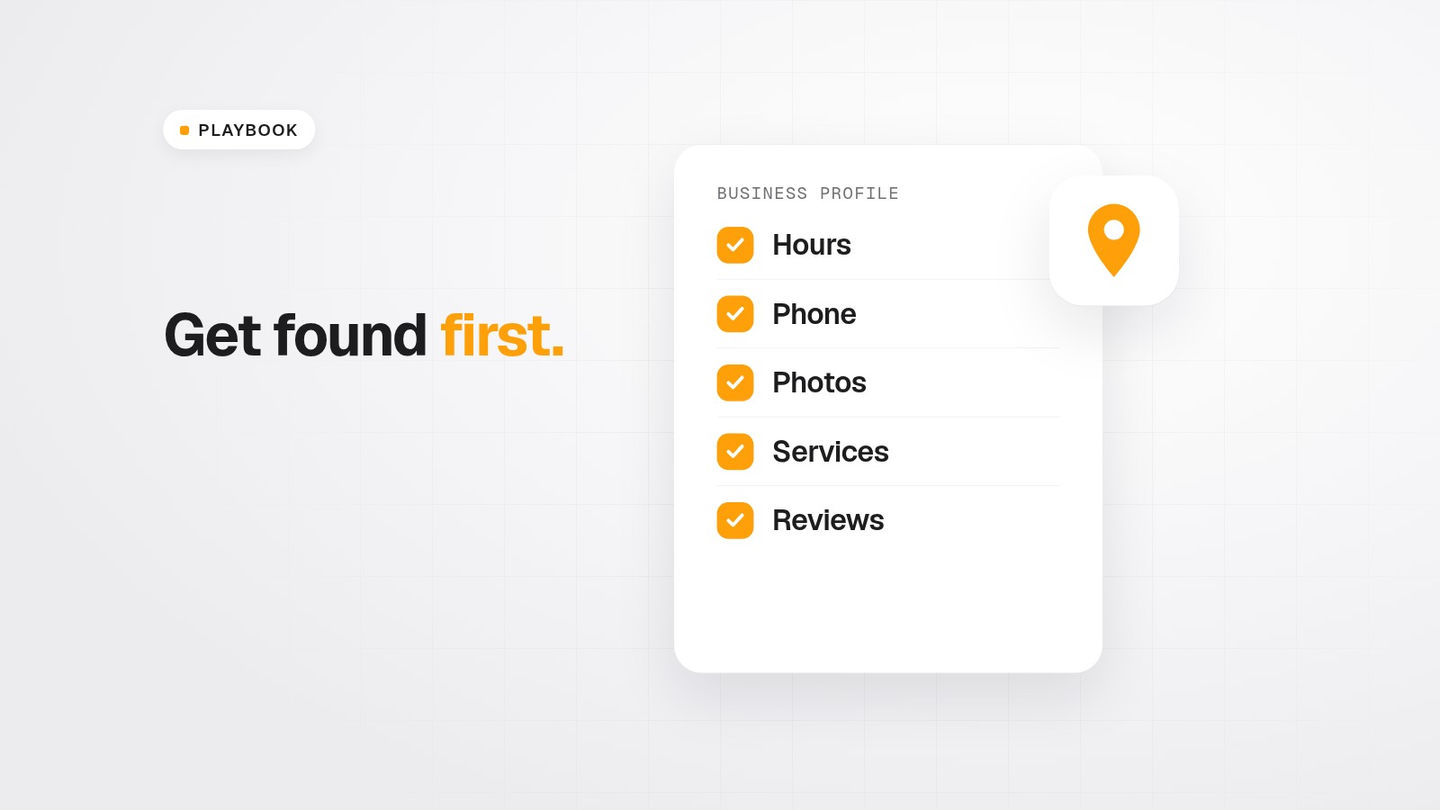
If someone searches "plumber near me" or "nail salon Houston" right now, Google shows them a map with a few businesses on it. Getting into that map starts with one free tool: your Google Business Profile.
Plenty of businesses still don't have one. BrightLocal's 2026 Local Consumer Review Survey cites its own research finding that just 35% of small businesses have a Google Business Profile. That's a big gap, and it's an easy one to close.
Here's the checklist I'd follow, step by step.
Step 1: Claim it or create it
Your business might already have a profile that Google created automatically or that a customer suggested. According to Google's help page:
- To create a new profile, go to business.google.com/add, click "Add your business to Google," fill in the details and choose a verification option.
- To claim an existing, unverified profile, search for your business on Google Maps and choose "Claim this business," then "Manage now," then pick a verification option.
- If someone else has already verified it and you're authorized to manage the business, you can request ownership from the current owner.
Google says adding or claiming your business costs nothing.
Tip: Use a business Google account that you control, not one a former employee or an old web person set up.
Step 2: Verify it
Verification proves to Google that you're authorized to represent the business. Google's local ranking tips say a verified business is "more likely to show up in search results." Don't skip this step.
Step 3: Fill out every field, accurately
Google says businesses with "complete and accurate info are more likely to show up in local search results" (Google). Work through each of these:
- Business name. Use your real business name, not a keyword-stuffed version.
- Primary category. Pick the one that best describes your main service. This matters a lot.
- Additional categories for your other core services.
- Address, if customers visit you. Service-area businesses can list the areas they serve instead.
- Service areas, listing the cities and neighborhoods you actually cover.
- Phone number that's answered during business hours.
- Website link to your own site, not just a social page.
- Hours, including holiday and special hours.
- Services, listed with plain descriptions.
- Attributes that apply to you, like parking, accessibility or payment options.
- Business description in plain language: what you do, who you serve and where.
Consistency rule: Your name, address, phone number and hours should match exactly on your profile, your website and any other directory you're listed in.
Step 4: Add real photos and video
Google recommends photos and videos to "show customers what you offer and tell the story of your business" (Google). Add:
- Your logo and a cover photo
- Before-and-after shots of your work
- Your team, truck or storefront
- Short videos of the work in progress
Use real photos. Stock photos don't build trust.
Step 5: Build reviews, and respond to all of them
Google lists three main factors in local results: relevance, distance and prominence. On prominence, it says "more reviews and positive ratings can help your business's local ranking" (Google).
BrightLocal's 2026 survey found that 47% of consumers won't use a business with fewer than 20 reviews, and 74% only care about reviews written in the last three months. Getting reviews has to be a habit, not a one-time push. I wrote a full post on how to get more Google reviews the right way, without breaking Google's rules or the FTC's.
Respond to reviews too. BrightLocal found that 80% of consumers are likely to use a business that responds to all of its reviews.
Step 6: Know what you can't buy
Google states it plainly: "There's no way to request or pay for a better local ranking on Google" (Google). If someone promises guaranteed number-one Maps placement for a fee, be skeptical.
Step 7: Keep it alive
A profile isn't something you set up once and forget. Put a recurring 15-minute block on your calendar each month to:
- Update hours before holidays
- Add a few new photos
- Reply to every new review
- Check that your services and service areas are still accurate
- Make sure nobody has suggested an edit that changed your info
The 30-minute version
If you only have half an hour today: claim or verify the profile, fix your category, hours and phone number, add five real photos, and reply to your most recent reviews. That alone puts you ahead of a lot of your competitors.
If you'd rather have our team handle it alongside a website, that's part of what we do at FullerSphere. Call or text 281-917-7963 or email jaydenfuller@fullersphere.com.
Sources
- Google Business Profile Help, "Add or claim your Business Profile": https://support.google.com/business/answer/2911778
- Google Business Profile Help, "Tips to improve your local ranking on Google": https://support.google.com/business/answer/7091
- BrightLocal, "Local Consumer Review Survey 2026": https://www.brightlocal.com/research/local-consumer-review-survey/
Keep reading
All articles

One email. Every Sunday.
The week in business, markets and politics, in five minutes.